A password manager that even I, who built it, can’t unlock
Zero-knowledge encryption in practice: how Vaultly works, why the server only ever stores ciphertext, and what that means for your security.

In this article· 6 sections
Passwords are the most sensitive data we own. With access to your email, someone can reset all your other passwords. So when I built Vaultly, I set one rule from day one: the server must not be able to read anything, even if someone steals the entire database.
That’s called a zero-knowledge architecture, and it’s simpler to understand than it sounds.
The problem with “normal” accounts
In most apps the server knows your data. It stores your email, your notes, your files, and simply promises to protect them. If the server is breached or someone on the inside misbehaves, the data is exposed.
For a password manager that is unacceptable. The answer is to encrypt on your device, before anything is sent over the internet.
One password, two keys
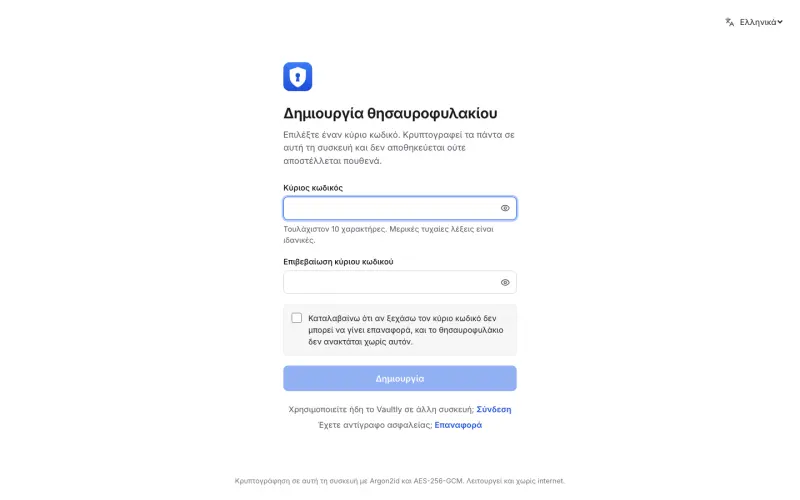
When you type your master password, the app doesn’t send it anywhere. Inside your browser, it derives two separate keys from it.
The encryption key never leaves the device. It locks each entry separately with AES-256-GCM, the same standard banks and governments use. The login key proves to the server that it’s you. The server only keeps an HMAC of it: a fingerprint from which it can recover neither your password nor your encryption key.
So the server stores only encrypted boxes it cannot open. If someone steals them, all they get is noise.
Where encryption happens
- You type your master passwordIt isn’t sent anywhere.
- The browser derives two keysThe encryption key locks each entry with AES-256-GCM and never leaves the device.
- The server only receivesencrypted boxes and an HMAC of the login key.
Argon2id makes guessing expensive
The weak link in any such system is the master password itself. Someone holding the encrypted data will try to guess it by testing billions of combinations.
That’s why keys are derived with Argon2id, the algorithm that won the international Password Hashing Competition. In Vaultly it is tuned to need 64 MiB of memory per attempt. For you, that’s a brief pause when you sign in. For someone testing billions of passwords, it’s an enormous cost in hardware and time.
Argon2id runs inside the browser thanks to WebAssembly, so it’s fast, and nothing leaves the device.
Where else an app can leak
Encryption is the foundation, but an app can leak in other places too, so Vaultly has a few more safeguards:
- Sessions use
__Host-cookies that can’t leak to other subdomains, with CSRF protection and rate limits against brute-force attacks. - The sign-in page answers the same way whether an account exists or not, so nobody can find out which emails are registered.
- A strict Content Security Policy lets the browser run only code I approved, which makes it much harder for an XSS attack to steal data.
- If you opt in, you can check whether a password has leaked online without ever sending the password itself. The check uses k-anonymity: only the first few characters of its fingerprint are sent.
It works offline too
Security shouldn’t mean friction. Vaultly installs like an app (a PWA), keeps data encrypted on the device and works offline. When it finds a connection it syncs changes, still encrypted. Switching from another password manager (1Password, Bitwarden, LastPass, KeePass, Proton Pass, Chrome, Firefox) takes a single export file.
Under the hood, the app is written in Svelte 5 and the backend runs on Cloudflare Workers with a D1 database, close to the user and with no machines to maintain.
What happens if the database leaks?
You don’t need to build a password manager for the same thinking to apply. Any app that holds customer data, such as bookings, ledgers or finances, should be designed around that question, and the right answer is “almost nothing”.
That’s the approach I take on every project: access rules inside the database, encryption where it matters, and collecting only the data that’s actually needed.
If you’d like me to check how secure your app or website is, send me a message. The first conversation is free.
Found it useful? Share it
Keep reading
- AI wrote your app. Do you know what it forgot to tell you?I checked 105 public AI-built apps and the code mostly looked fine. The real risk is what doesn’t show: six things AI won’t tell you before you launch.
- 7 mistakes that drive customers away from your website (I see number 2 almost everywhere)Your website gets visits, but the phone doesn’t ring? The 7 mistakes I see most often on small business websites, and how to fix each one.
The project behind this article
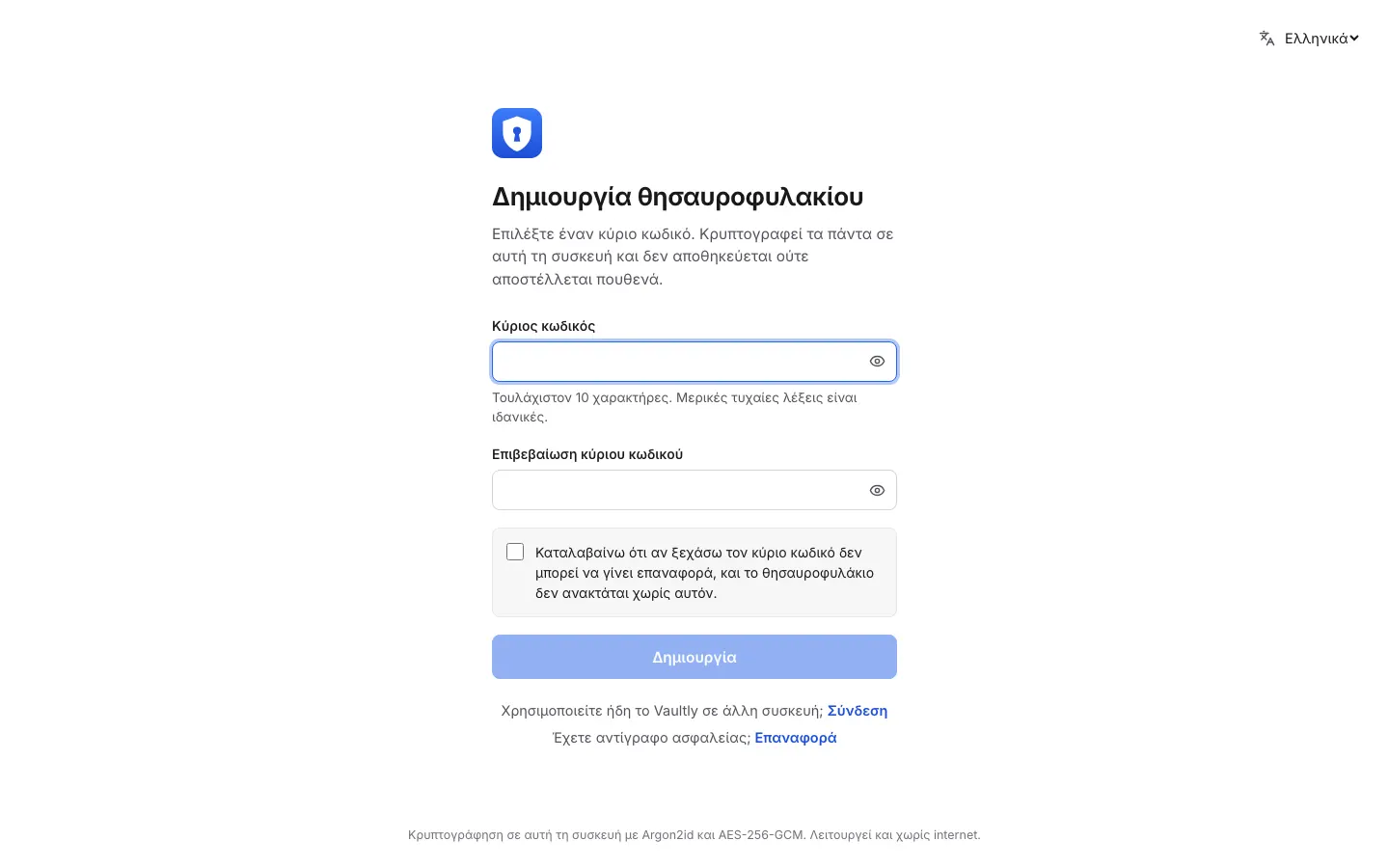
A password manager where not even the server can read your data.