My app started slowing down.Why I didn’t switch databases
When the app slowed down, the temptation was to switch databases. The measurements said otherwise, and a Safari incident taught me how to ship releases safely.

In this article· 5 sections
Every developer has felt the temptation: the app is getting slower, so “the database is to blame” and we need to move to something bigger. With Orama Suite I reached exactly that point in September 2026. Instead of starting a migration, I sat down and measured.
D1 or PostgreSQL?
Orama Suite runs on Cloudflare D1, a SQLite database that lives close to the user. The obvious alternative was a “proper” PostgreSQL. Instead of deciding on instinct, I wrote a scored comparison: cost, speed, data safety, how much work the move would take and how much risk it carried.
The result was 91 points for the current architecture versus 82 for the migration. The migration lost mainly because it would mean rewriting dozens of database changes. The most important finding, though, was this:
The measured problem was queries without indexes. Changing the database would not have fixed it.
One query was reading thousands of rows
The measurements showed that the notifications query read 3,000 to 12,000 rows every time a tab checked for anything new. Multiplied by every open tab, every few seconds, all day long.
The fix took two simple steps. First, proper indexes: a new database change added indexes by business and by time, so each query reads only what it needs. Then, one “pulse” instead of four checks. The app made four separate requests to find out whether anything was new. I merged them into one, and requests per tab dropped from about 190 to about 60 an hour.
Today the median processing time on the server is about 3 ms and hosting still costs a few dollars a month. No migration, no risk to customers’ data.
The Safari incident
A few days later, on 9 October, I learned a second lesson, this time about releases.
Some Safari users saw the app hang on the loading screen. The cause was a race between a request and a new release going out at that very moment.
- A new release goes outwhile a browser is requesting files
- The JavaScript file no longer existsso the request gets the HTML page back
- The browser keeps itcached for a year, and the app hangs on the loading screen
What I did:
- Rolled back to the previous release, so users could keep working.
- Made missing files return a proper, uncached “not found” instead of the HTML page.
- Gave files unique names in every release, so an old page never requests a file that has changed.
How every release ships now
Those two episodes became a routine I follow on every release:
- a database backup and restore point before anything else,
- additive database changes, applied before the new code,
- automated tests in Chrome and Safari,
- a recorded rollback target, so I can go back within minutes if needed.
I measure before I change anything
The most expensive fix isn’t always the right one. Indexes are boring, but they solve more performance problems than any migration. And every release needs a way back: the Safari incident wasn’t a disaster because I could roll back immediately.
If your app is slowing down or you dread every new release, I can measure where the time goes and tell you what’s worth changing. The first conversation is free.
Found it useful? Share it
Keep reading
- I abandoned three prototypes before building Orama Suite. Why it wasn’t wasted timeThe road behind Orama Suite: the prototypes I abandoned, the product I kept, and the testing discipline that keeps it stable.
- AI wrote your app. Do you know what it forgot to tell you?I checked 105 public AI-built apps and the code mostly looked fine. The real risk is what doesn’t show: six things AI won’t tell you before you launch.
The project behind this article
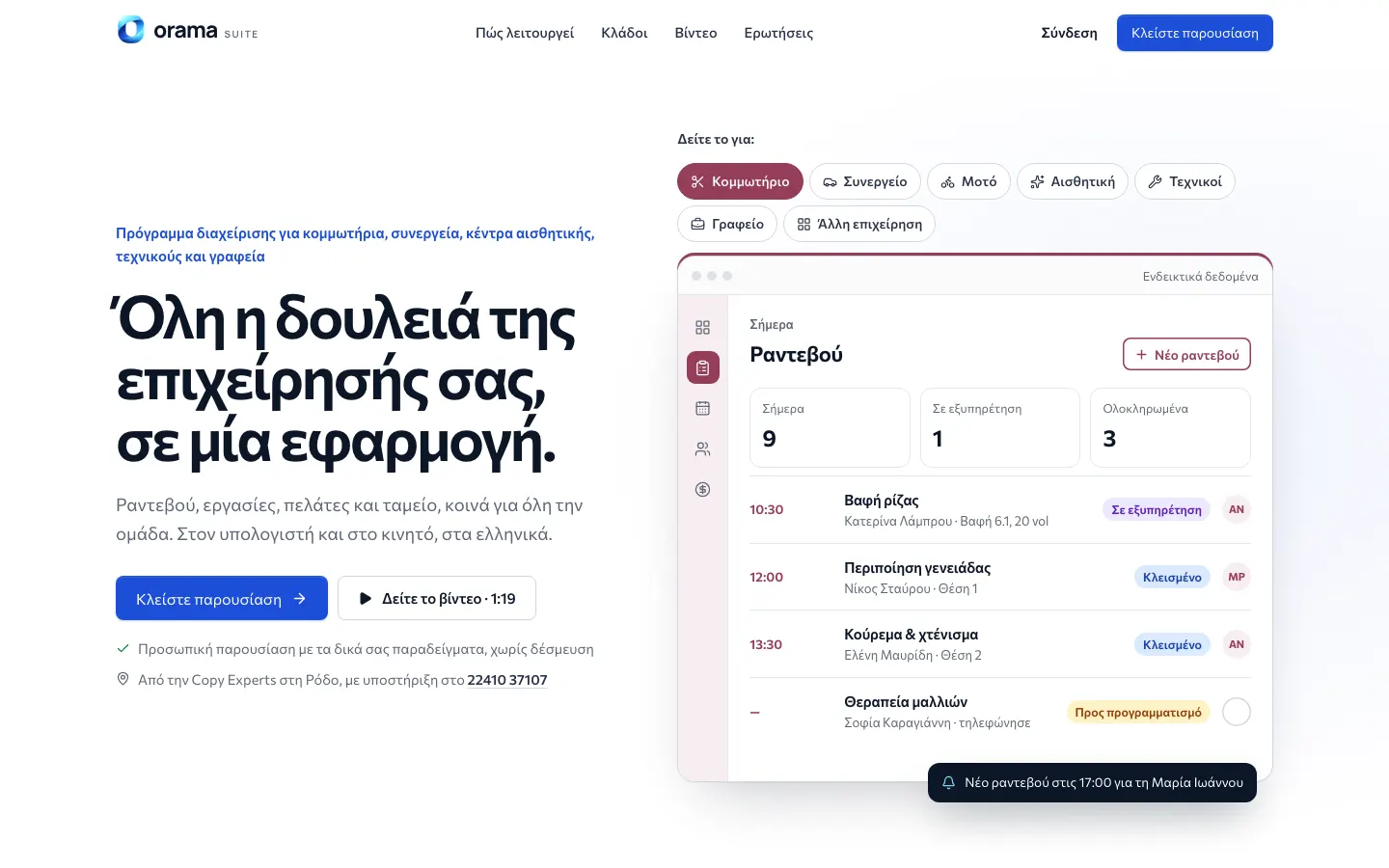
Appointments, tasks and customers in one app for small businesses — from salons to garages.